 English
 العربية
 Español
 Français
 Português
 Deutsch
 Русский
 简体中文
 한국어
 日本語
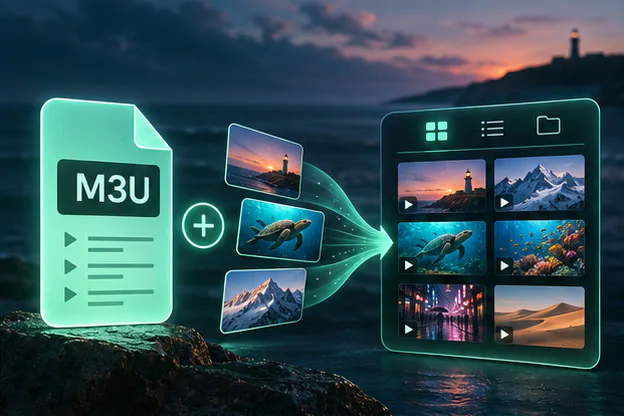
Start with your playlist
Connect your Xtream account or add an M3U playlist.
 IPTV ATOM

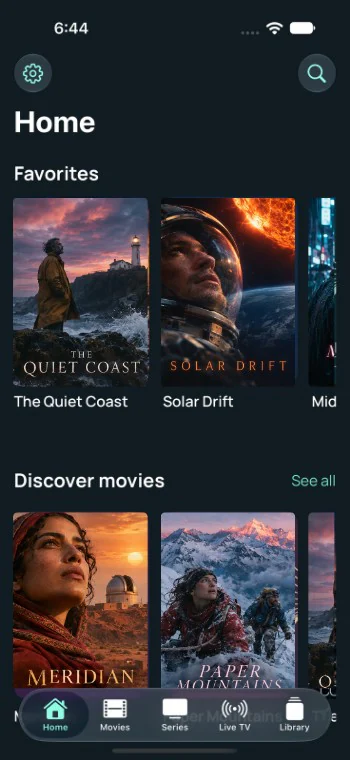
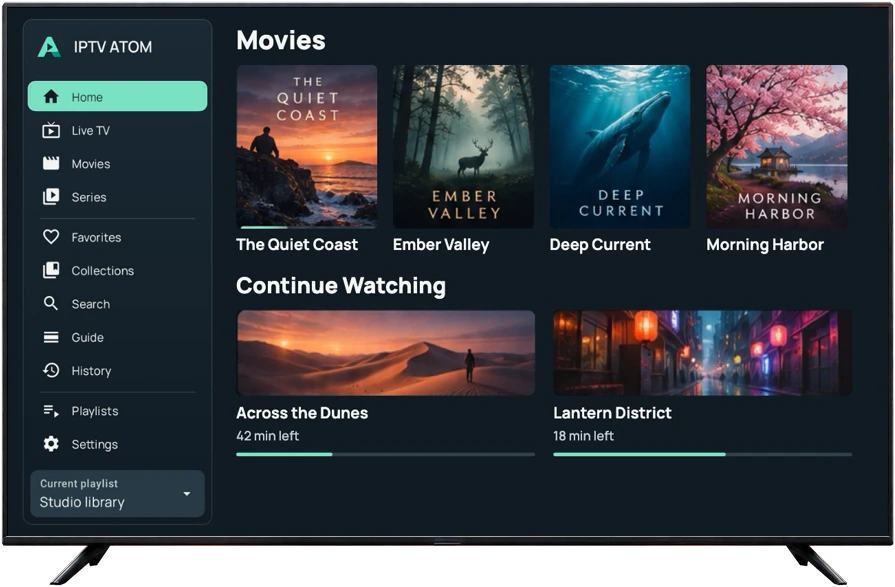 Press Power to open IPTV ATOM
From your phone to the living room.
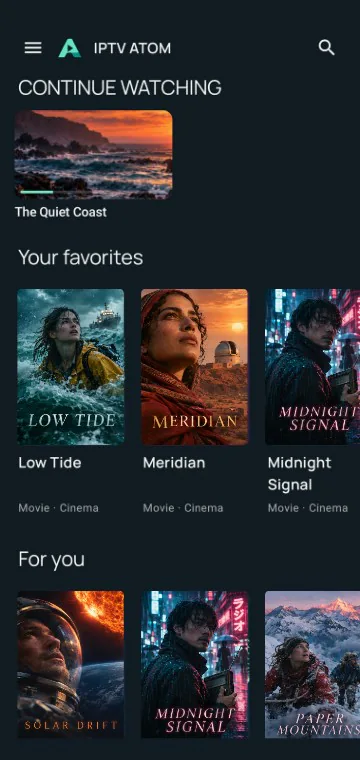
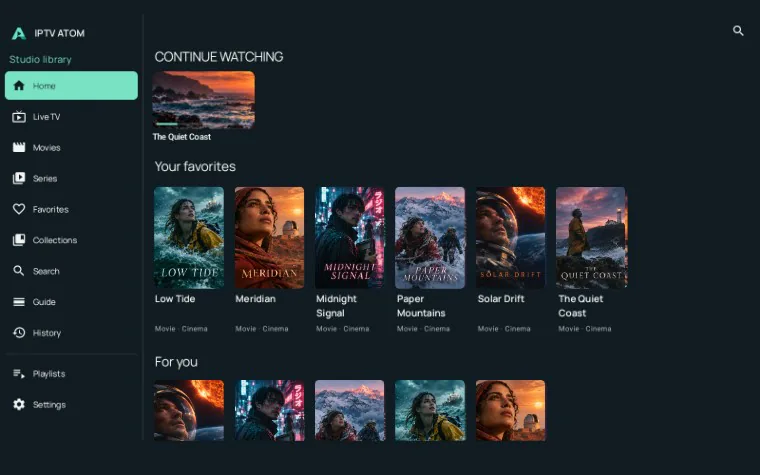
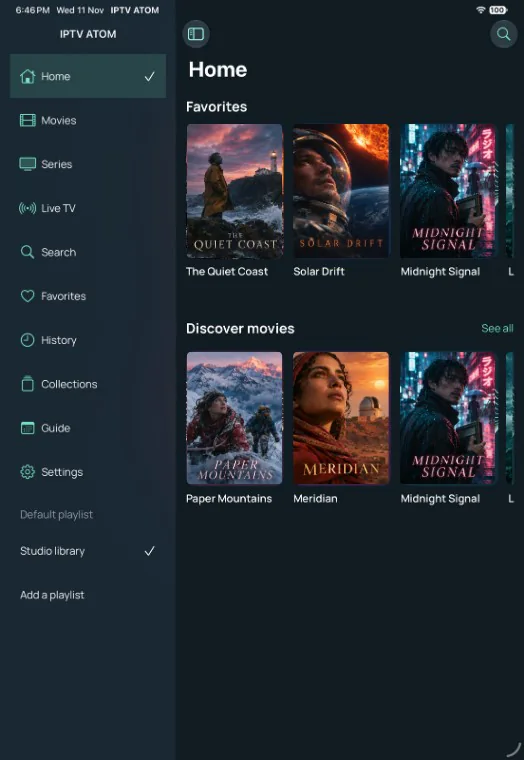
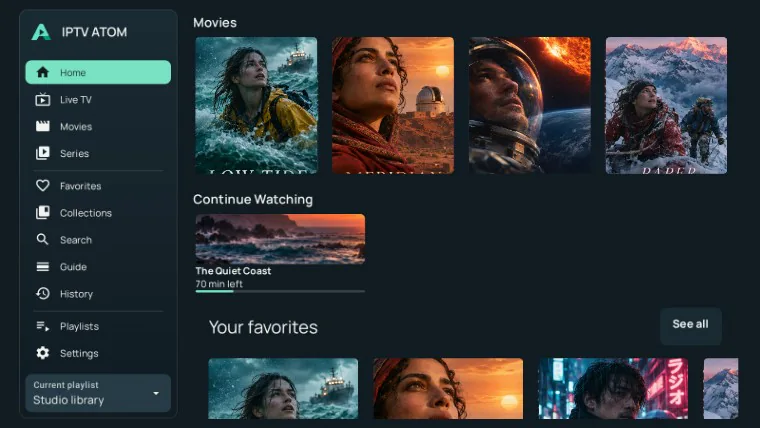
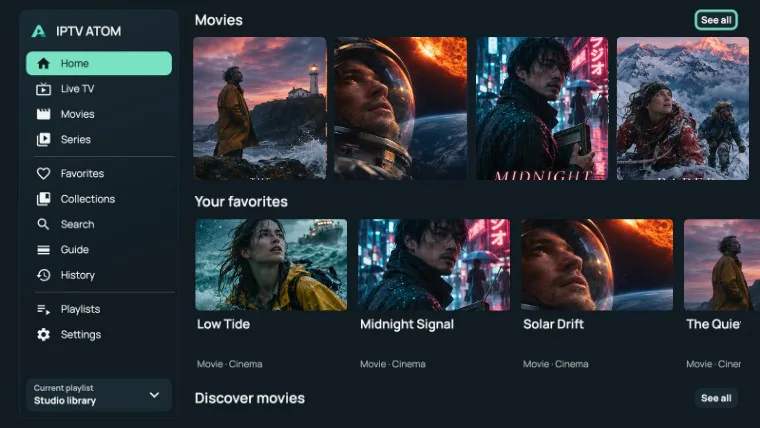
Connect your Xtream account or add an M3U playlist.
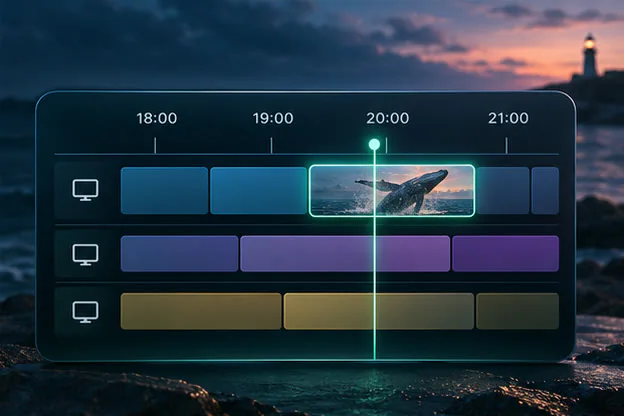
Find the next programme in your provider’s TV guide.
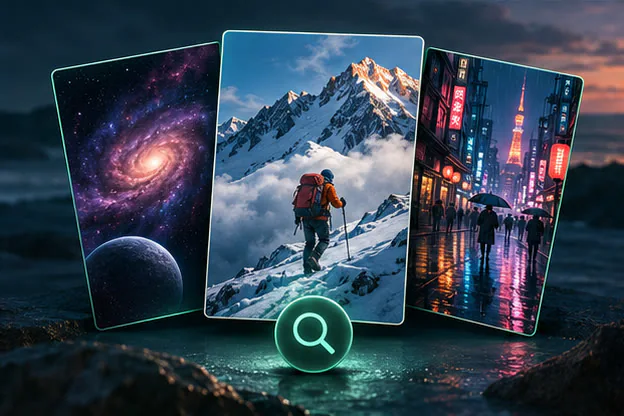
Search your library for films, seasons and episodes.

Resume a film or episode where you left off.

Group your favourite films, series and channels into collections.
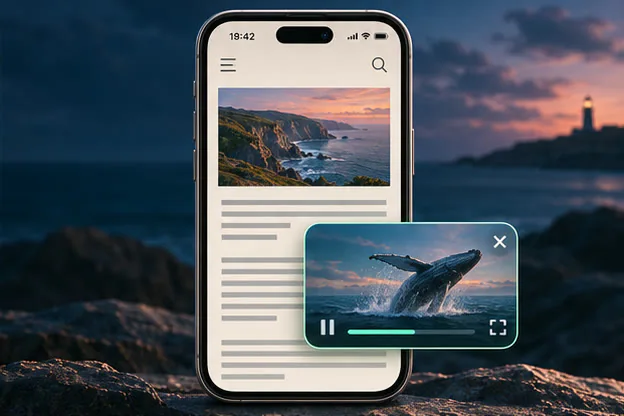
Keep watching in Picture in Picture on supported mobile devices.
You’ll need your own authorized provider. IPTV ATOM supplies the player. Your provider supplies the channels and titles.
Playlist setup guide